
FlowForge
Workflow automation that runs in your own AWS account. Connect your APIs, databases and team chat, add AI steps with Claude, and give AI agents safe tools, without sending your data to someone else's cloud.
Example workflow
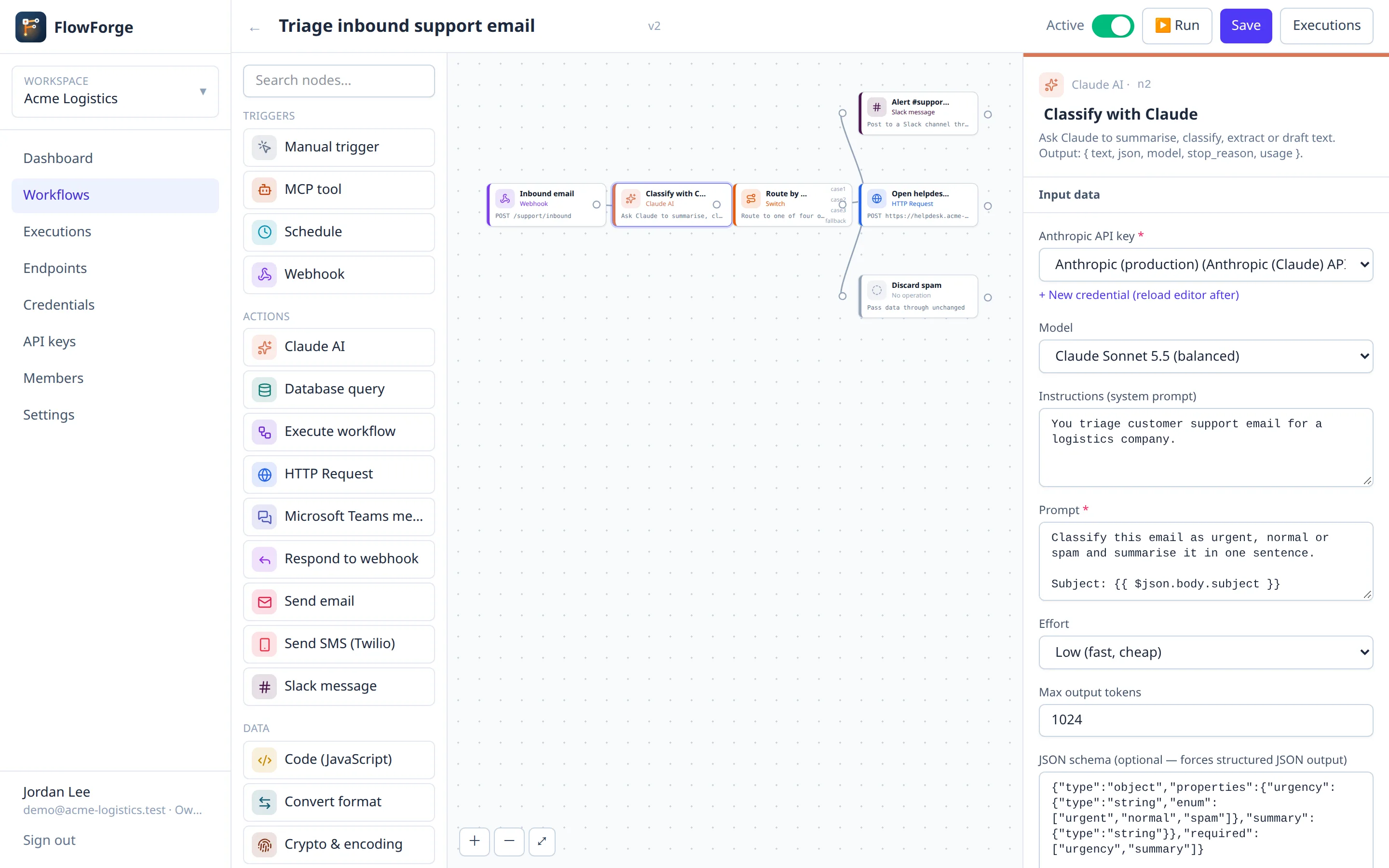
- Webhook: new support email
- Claude AI: classify urgency and summarise
- Switch: urgent / normal / spam
- Slack + HTTP Request: alert and open a ticket
See it in action
Build, run and watch your workflows
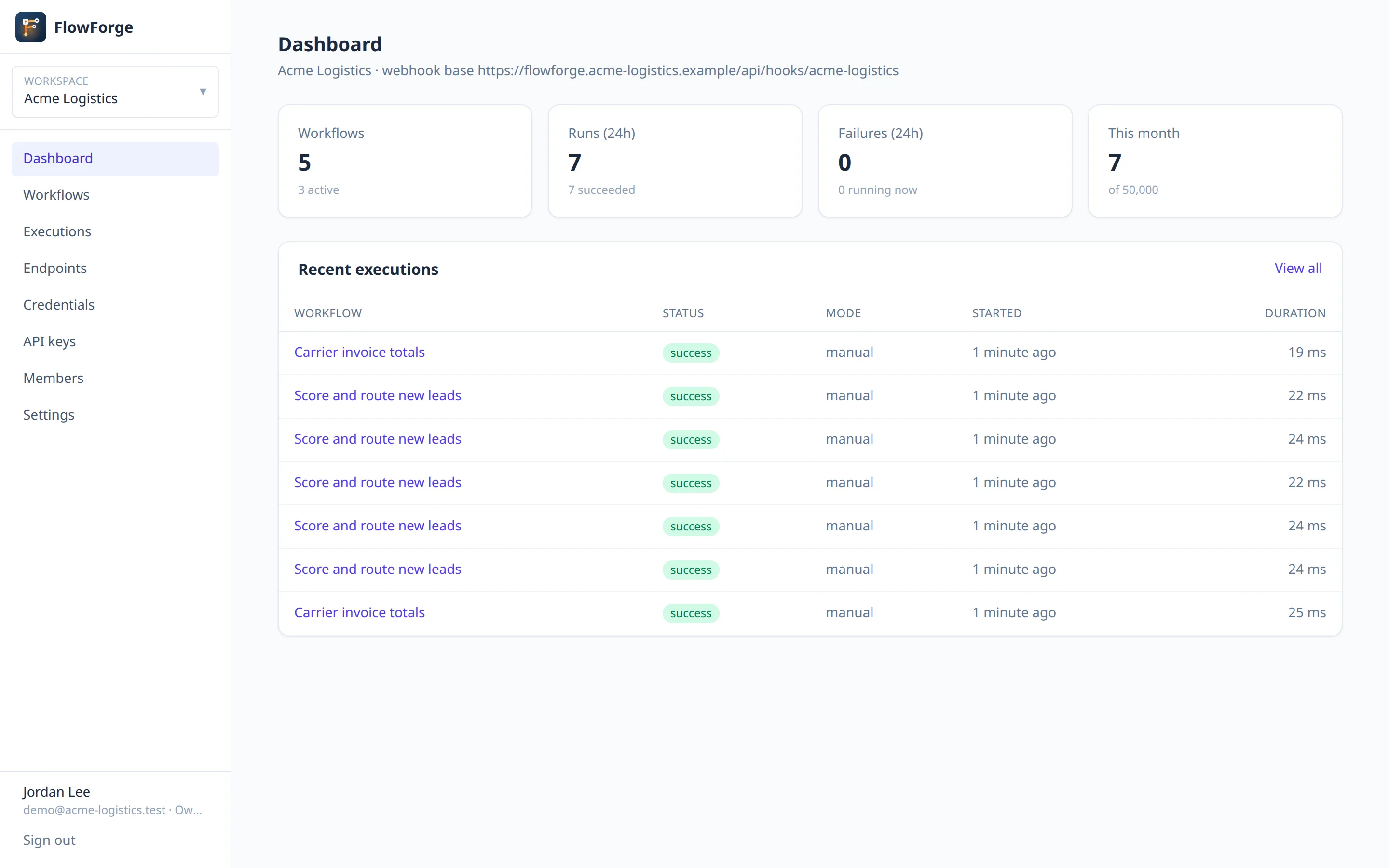
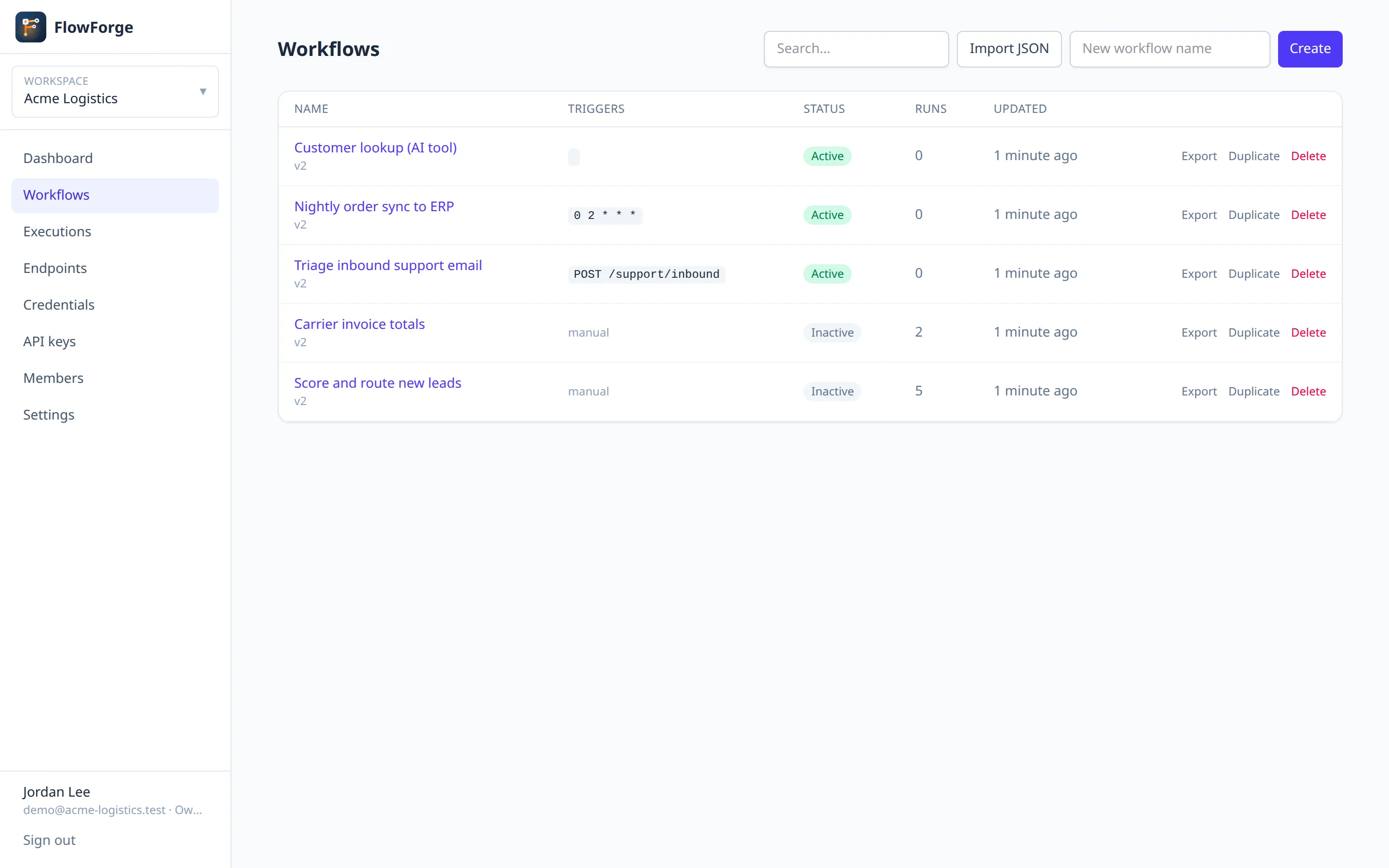
Screens show a sample workspace. Click any image to view it full size.
Features
Everything you need to automate
Visual workflow editor
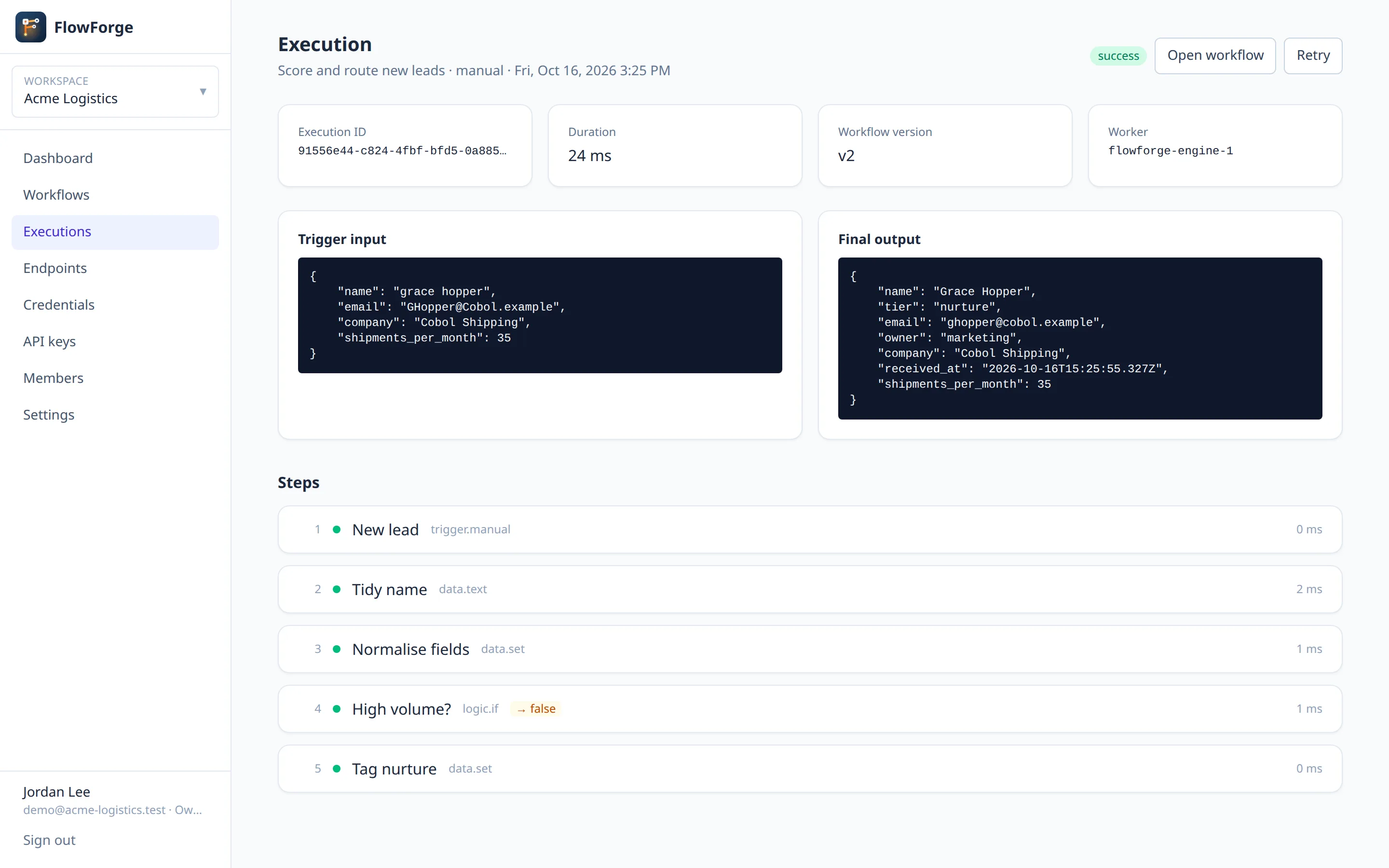
Build workflows by connecting nodes on a canvas, then follow every run step by step with its input, output and timing.
Claude AI built in
Summarise, classify, extract or draft text inside a workflow, with optional JSON-schema output for reliable structured results.
MCP server for AI agents
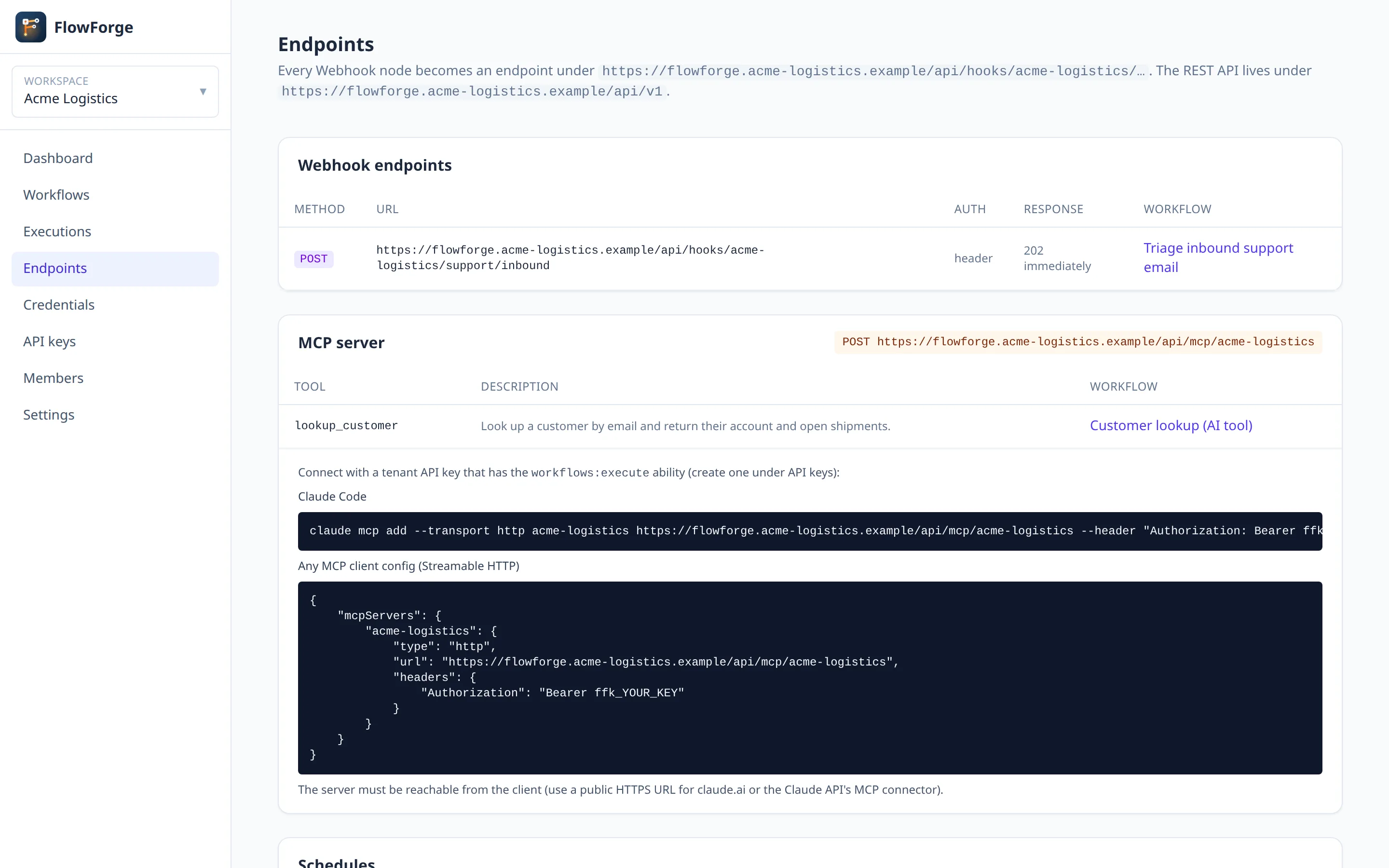
Each workspace exposes its active workflows as tools over MCP, so Claude and other AI agents can call them directly.
Webhooks, schedules and API
Start workflows from per-workspace webhooks, cron schedules, a manual run, or the REST API with scoped API keys.
Multi-tenant by design
Separate workspaces with owner, admin, editor and viewer roles, per-tenant limits, and isolation tested on every route.
Secure by default
Encrypted credentials that never leave the engine, sandboxed JavaScript, and an SSRF guard that blocks private and metadata addresses.
Node catalogue
28 built-in nodes, plus HTTP for everything else
Triggers
Actions
Data
Logic
Getting started
From Marketplace to first workflow
Subscribe
Find FlowForge on AWS Marketplace and subscribe with your AWS account.
Launch
Use the CloudFormation template: a single instance with local MySQL, or Amazon RDS with Secrets Manager, optionally behind a load balancer with your ACM certificate.
Set up
Open the instance in your browser. A setup wizard checks the server, connects the database and creates your company workspace and first administrator.
Automate
Invite your team, add credentials and start building workflows.
Contact & Support
Talk to the FlowForge team
Questions before you buy, help with a deployment, or a problem in production: send it here and it goes straight to the engineers who build FlowForge.
Available on
AWS Marketplace
FlowForge launches into your own AWS account from a Marketplace AMI and CloudFormation template. Your data, credentials and workflows stay in your VPC, and billing goes through your AWS account.
- Single instance with local MySQL, or Amazon RDS with Secrets Manager
- Optional Application Load Balancer with your ACM certificate
- Guided setup wizard on first boot
Marketplace listing coming soon. Contact us for early access.
Support channels
-
Documentation
Setup guides, node reference and API -
Email
support@str8in.com -
Phone
803 919 3252 -
Hours
Mon–Fri, 9:00 AM – 5:00 PM (Eastern). We reply to support requests within one business day.
Subscribed through AWS Marketplace? Include your AWS account ID so we can find your subscription.
Send us a request
Fields marked * are required.