NetDraw
Diagrams that know what they're drawing. Map your network, document the configuration behind every device and link, and keep it current with automated discovery.
Discovery pipeline
- Probe collects via SSH, REST and SNMP
- Secrets redacted before upload
- Parsed topology merged into your docs
- AI proposals, engineer approves
See it in action
Draw it once, document it properly
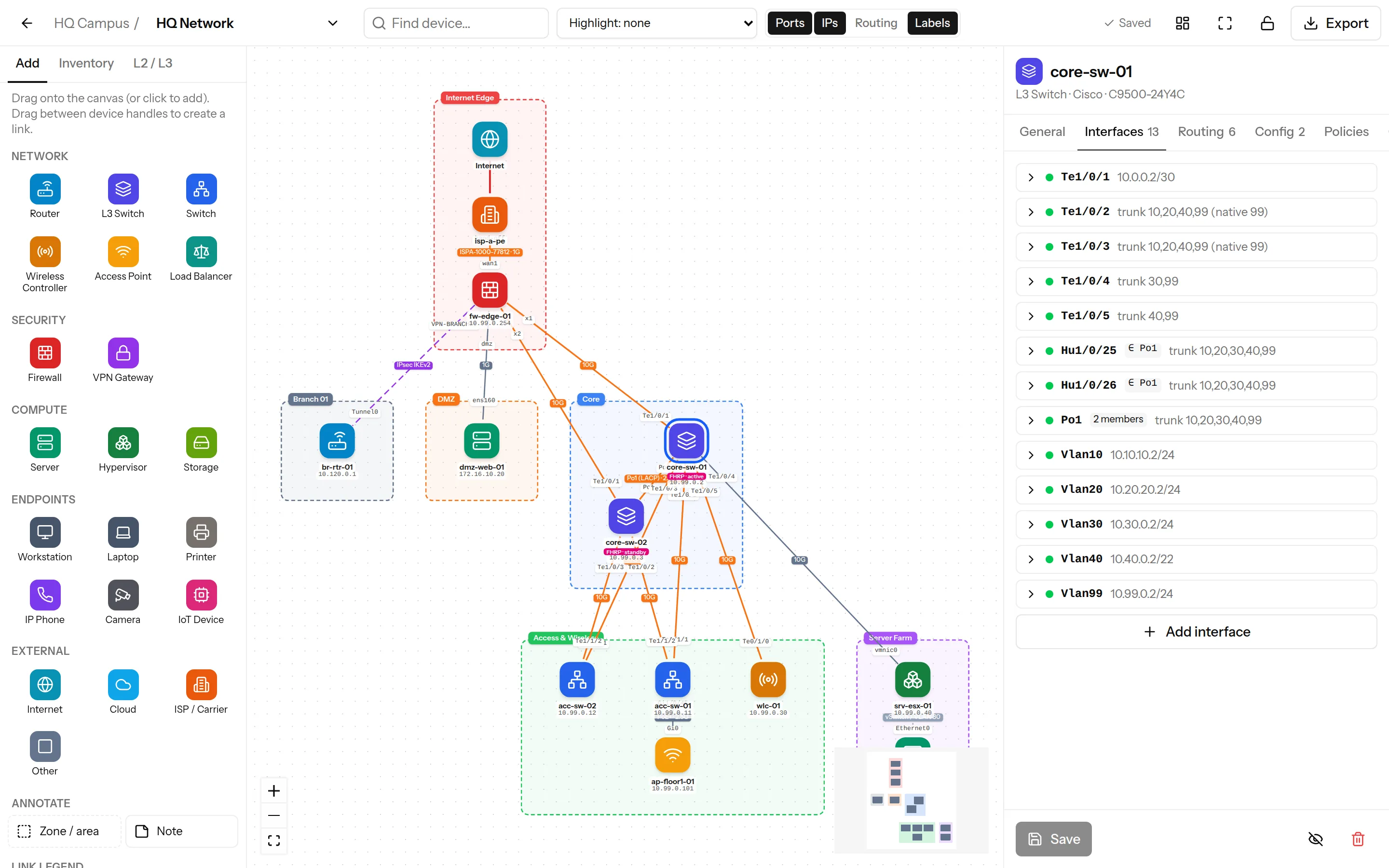
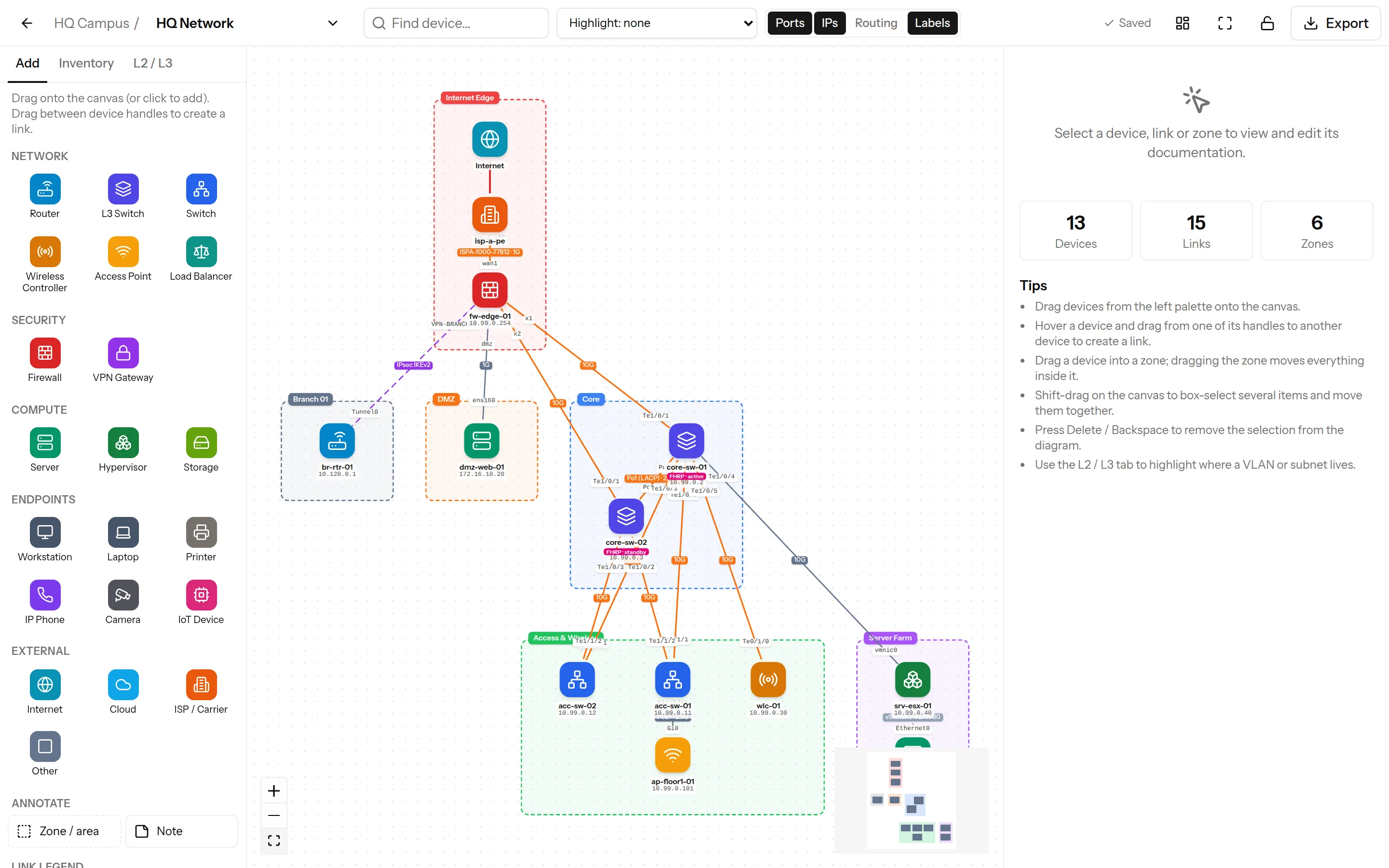
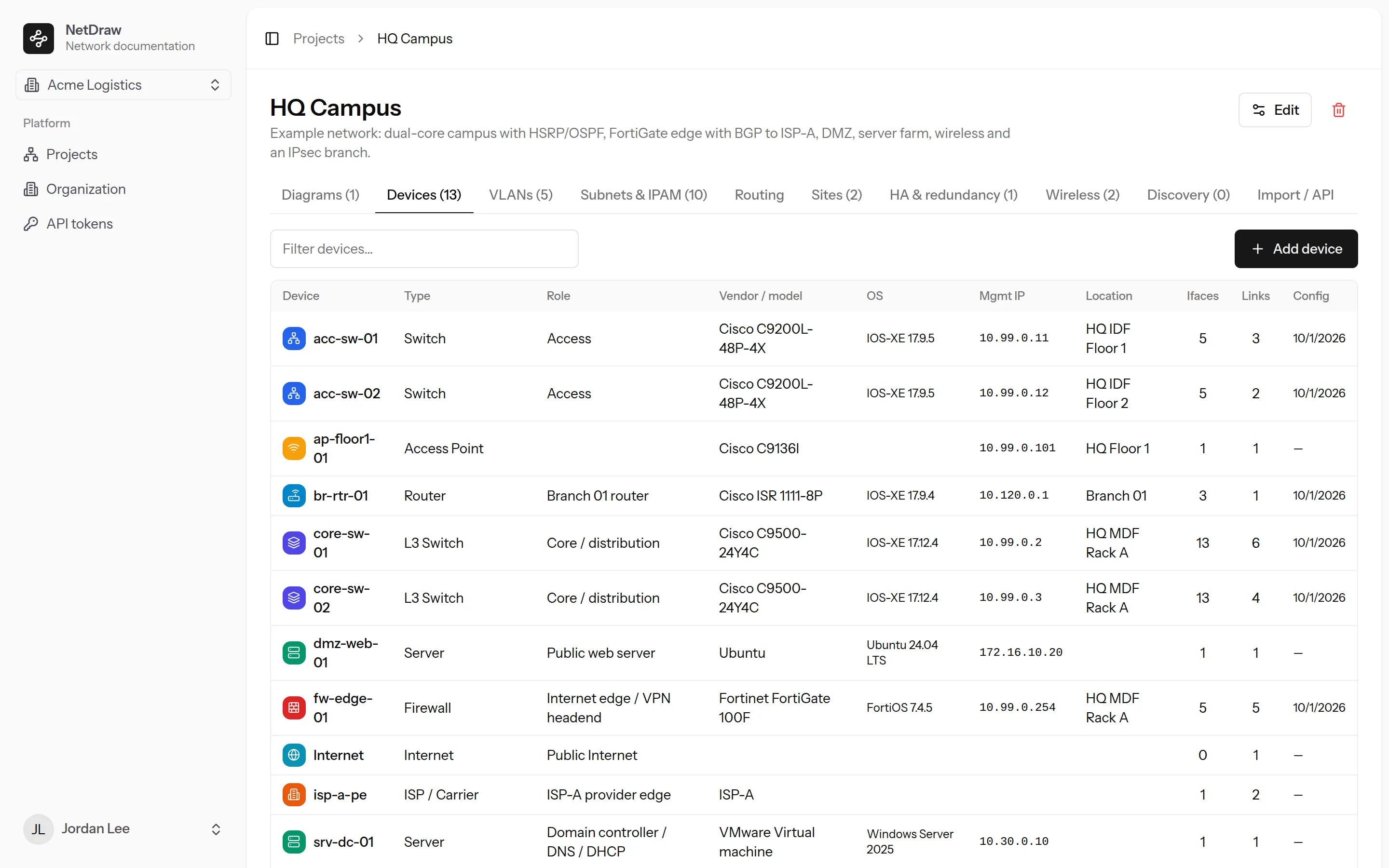
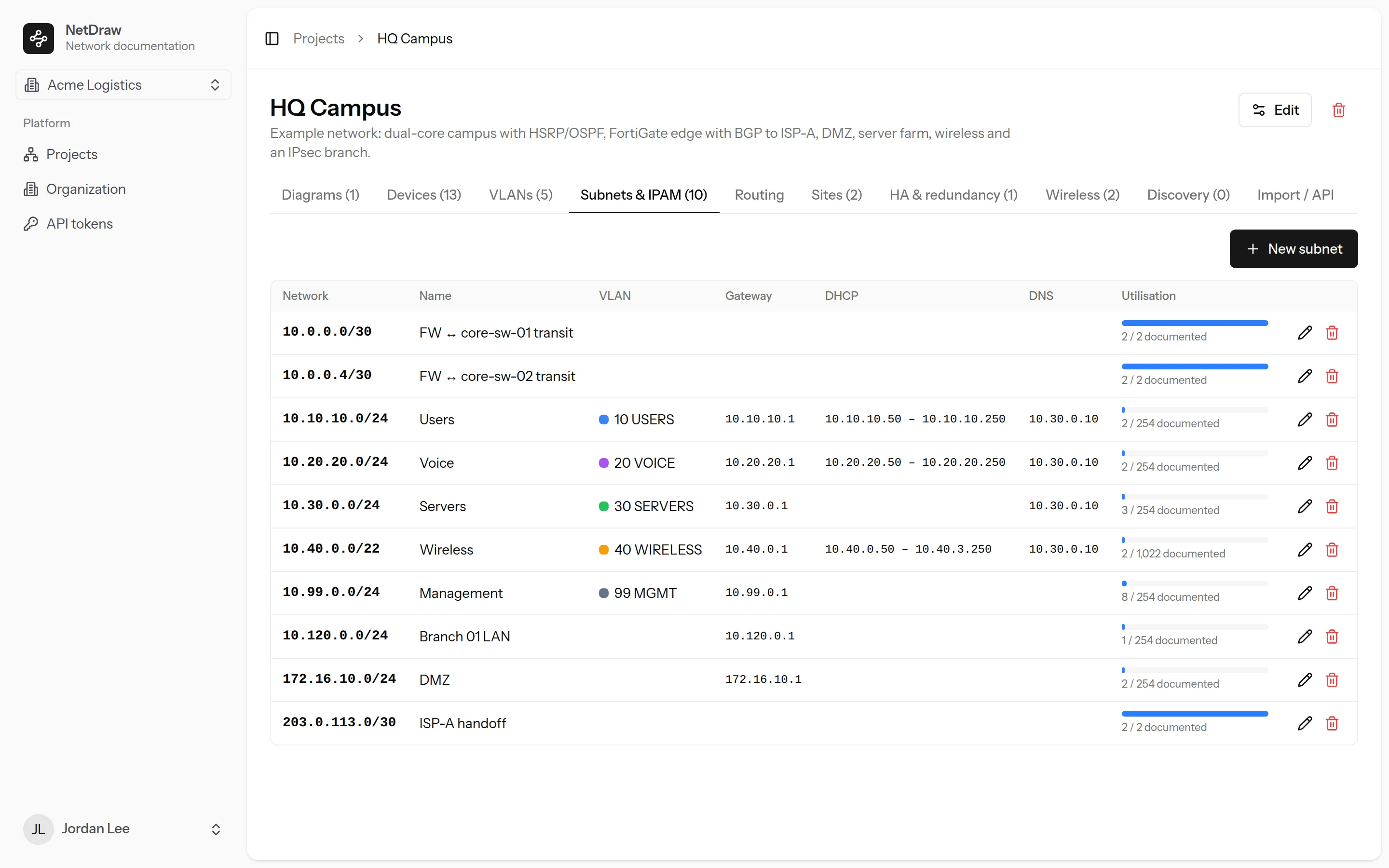
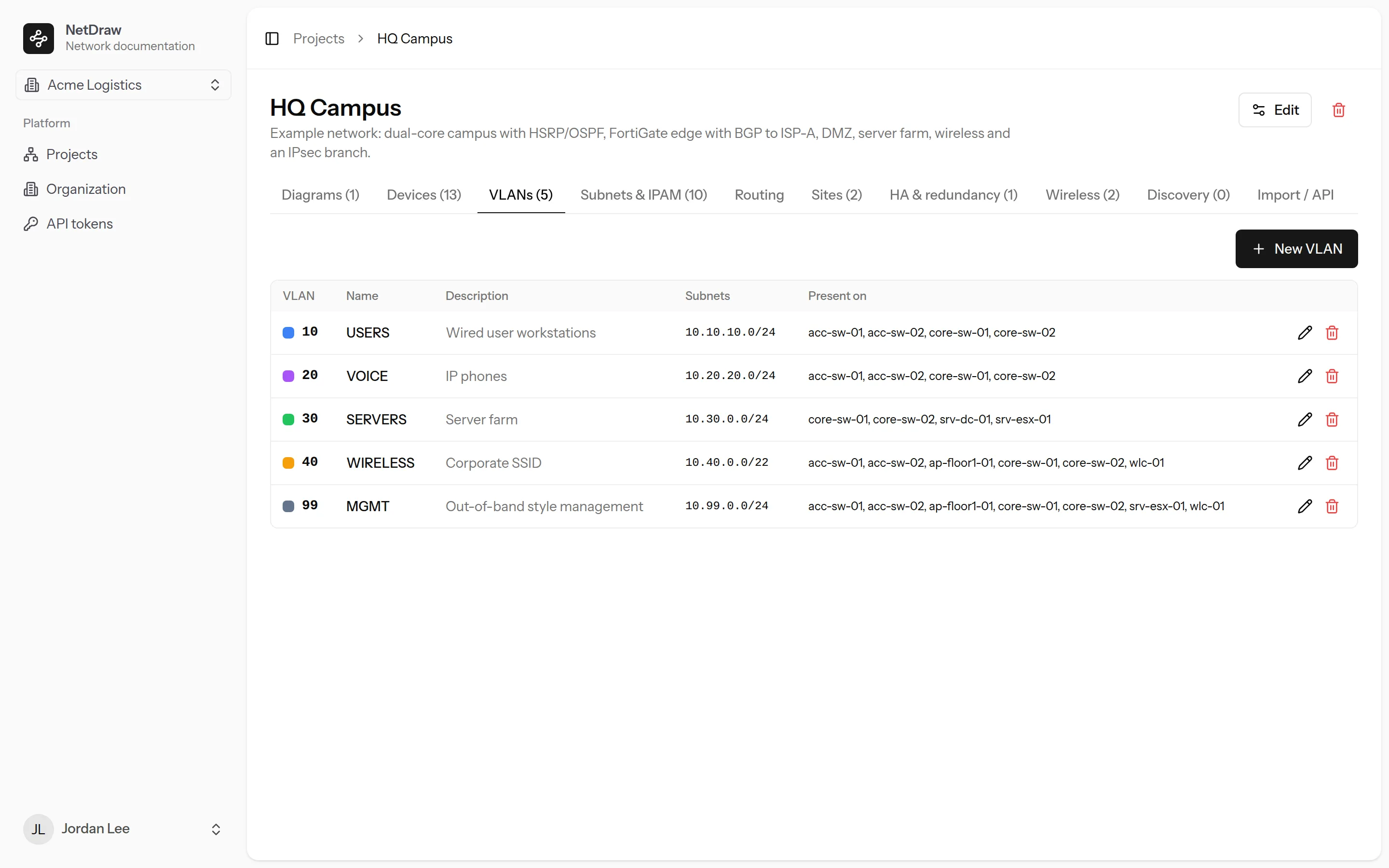
Screens show a sample network. Click any image to view it full size.
Features
Documentation that stays true to the network
Drag-and-drop designer
Drop devices from a palette, connect them, group them into zones, auto-layout, snap to grid and export to PNG.
Per-device documentation
Interfaces, VLANs, IPs and VRFs, OSPF, BGP, EIGRP and HSRP/VRRP with neighbours, route tables and versioned configs.
Mismatch detection
Links are checked automatically for mode, native and allowed VLAN, subnet and speed mismatches, and for down ports.
L2 and L3 views
Highlight where a VLAN is carried or which devices sit in a subnet, with IPAM utilisation and address lists.
Automated discovery
A probe collects from Cisco IOS, IOS-XE and NX-OS, FortiGate, Meraki and SNMP devices and updates your documentation.
AI-reviewed findings
Claude reviews raw discovery output and proposes corrections and findings. Nothing changes until an engineer approves it.
Multi-tenant for MSPs
Organizations, clients and projects with viewer, editor, admin and owner roles, and a switcher between organizations.
Secrets handled
Configs and probe output are redacted on arrival and encrypted at rest, so passwords and keys never sit in your docs.
Automation-ready
A token API and an open JSON topology format with idempotent imports, so re-running discovery never loses your notes.
Contact & Support
Talk to the NetDraw team
Questions before you buy, help with a deployment, or a problem in production: send it here and it goes straight to the engineers who build NetDraw.
Support channels
-
Email
support@str8in.com -
Phone
803 919 3252 -
Hours
Mon–Fri, 9:00 AM – 5:00 PM (Eastern). We reply to support requests within one business day.
Send us a request
Fields marked * are required.